The 8.0.9717 version brings the following new features:
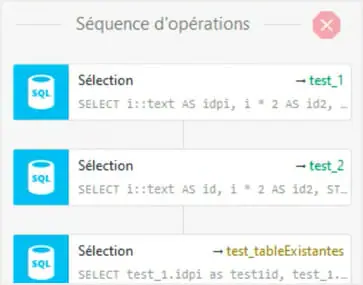
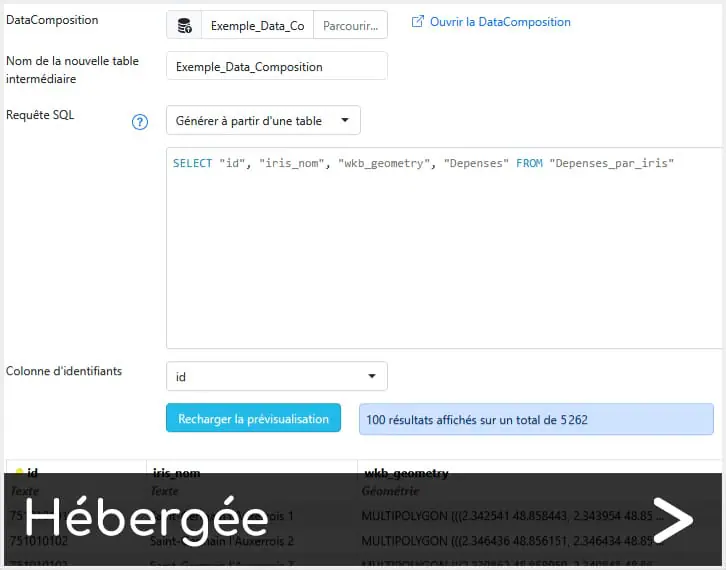
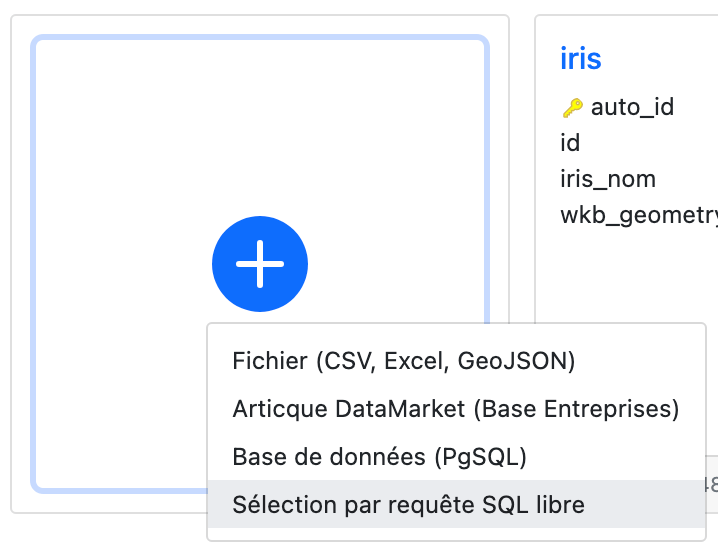
[Analyst/Expert] DataComposer: create a new table from a free SQL query
DataComposer continues to evolve. With this update, you’ll be able to create a table using an SQL query that respects PostgreSQL/PostGIS functions, and preview the data to be imported.
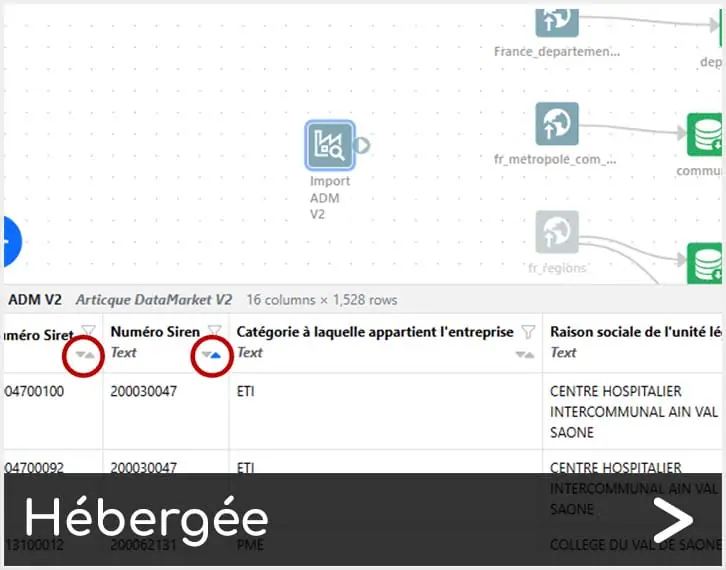
[Analyst/Expert] Articque Data Market modules, update of the SIRENE v.4 database
Caution: the latest update of INSEE data in the SIRENE v.4 database may lead to changes in your projects. Certain data are no longer publicly available and appear in ND in the tables. They mainly concern micro-businesses and self-employed businesses.
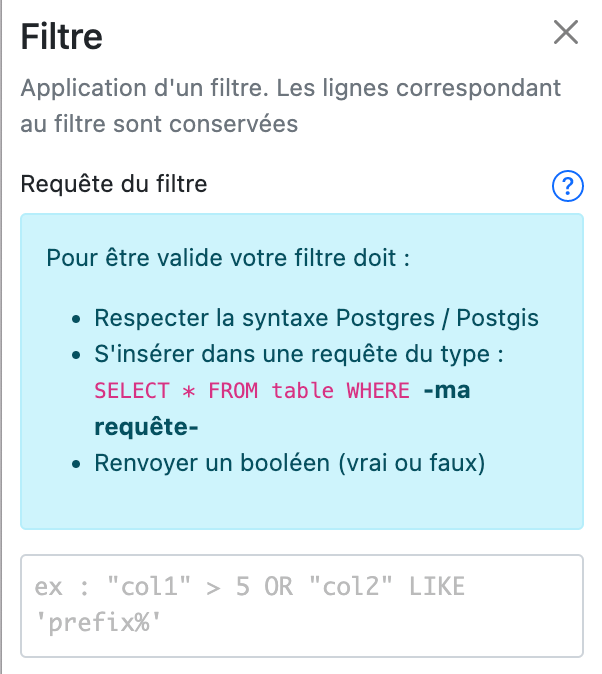
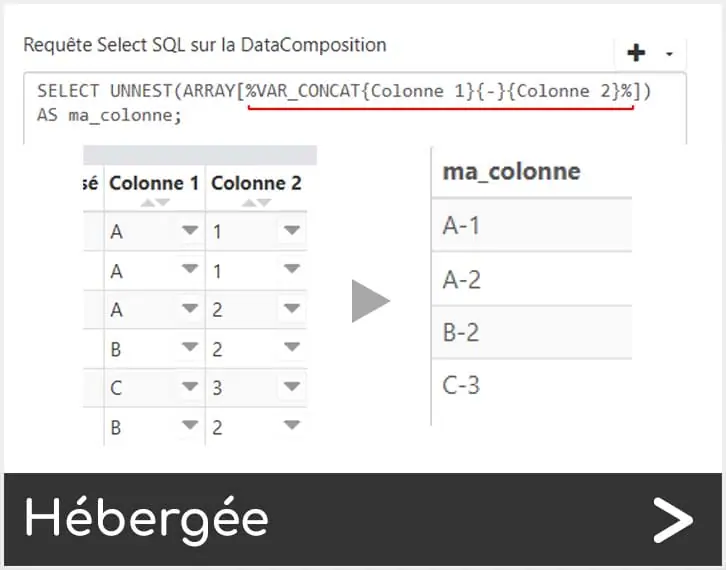
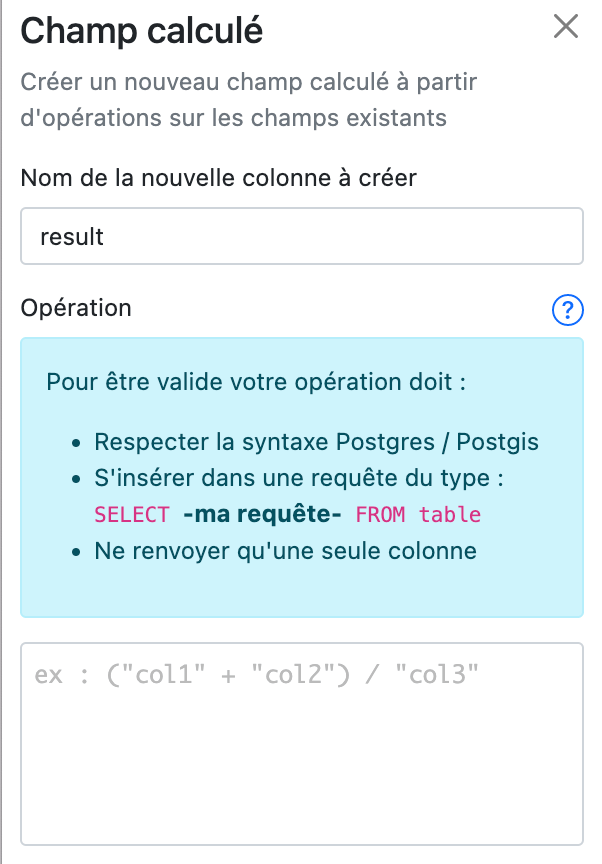
[Analyst/Expert] DataComposer: end of limitations for SQL queries
Following your feedback, it is now possible to write SQL queries using all PostgreSQL/PostGIS syntax in the « filter » and « calculation » modules of a table in DataComposer.
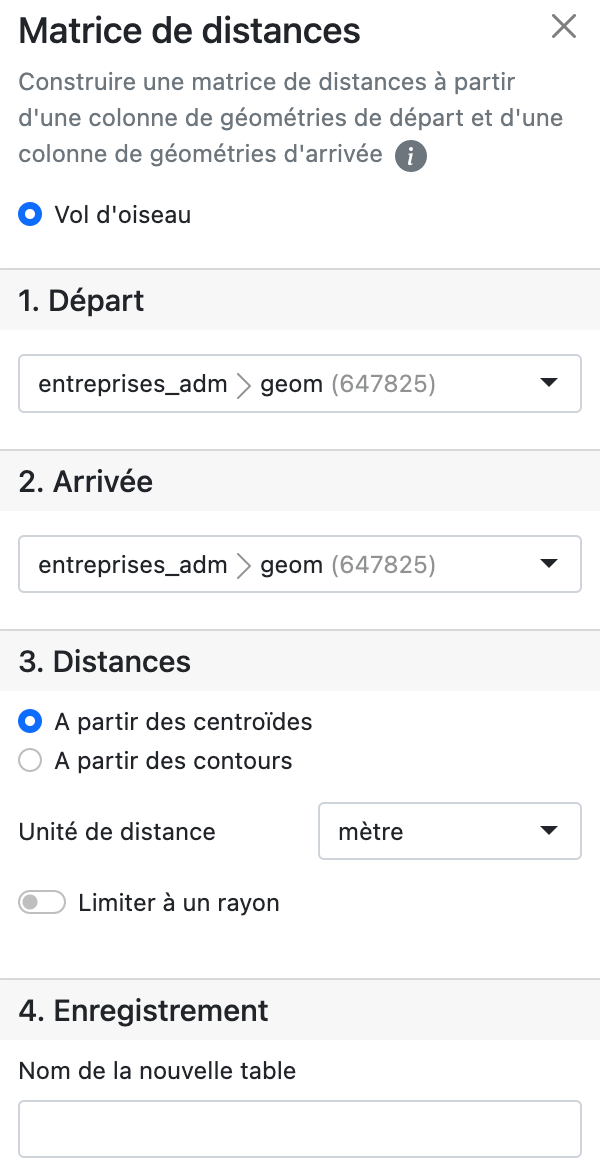
[Analyst/Expert] DataComposer: distance matrices
DataComposer now allows you to build a distance matrix as the crow flies, from a column of starting geometries and a column of ending geometries.
Improvements
The 8.0.9717 version brings the following improvements:
[Analyst/Expert/Administrator] Gateway: geolocation and Articque Data Market imports into DataComposer
Geolocation and Articque Data Market import now support an infrastructure with a gateway.
[Analyst/Expert] DataComposer: navigating the different pages of a table
In order to simplify and speed up your navigation through the pages of a DataComposer table, you can now enter the number of the targeted page to access it directly.
[Analyst/Expert] DataComposer: Articque Data Market module
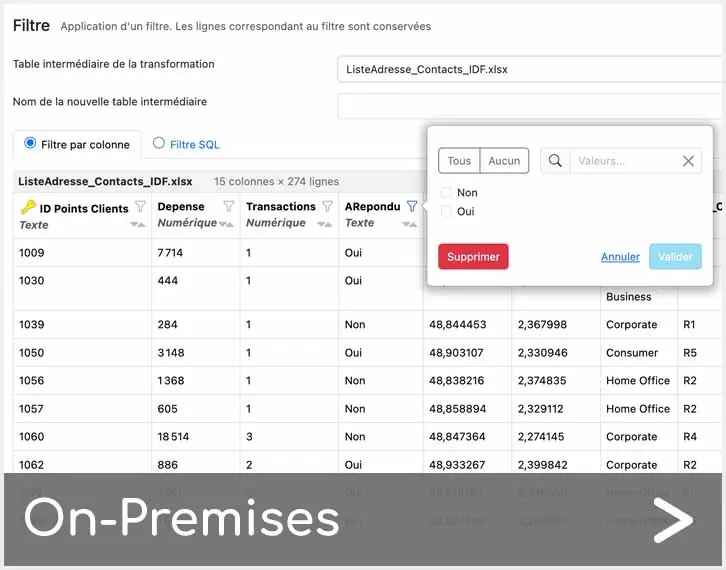
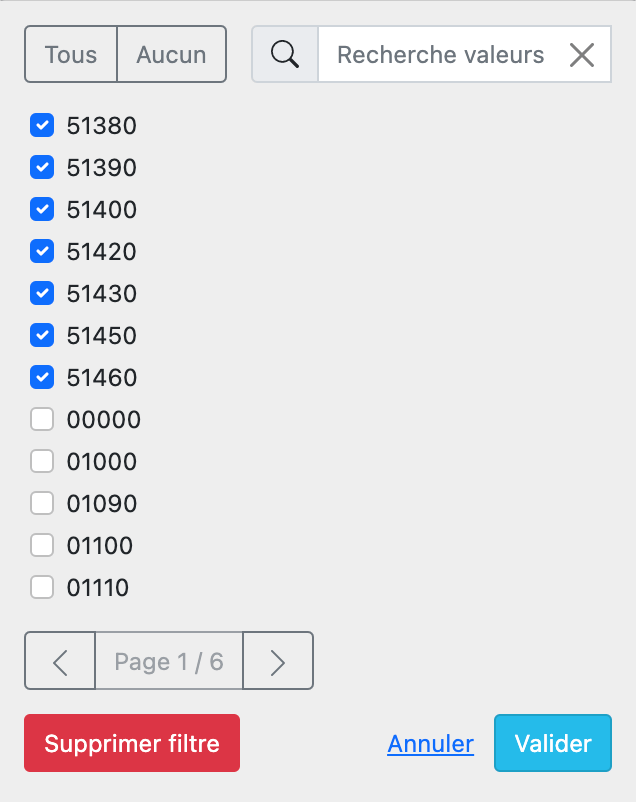
Items selected when filtering on a column now appear at the top of the list, as they already do in the flowchart.
[Analyst/Expert] Modification of the DataComposer icon
In order to harmonise all DataComposer-related elements, the colour and icon of the functionality have been modified.
[Analyst/Expert] File explorer
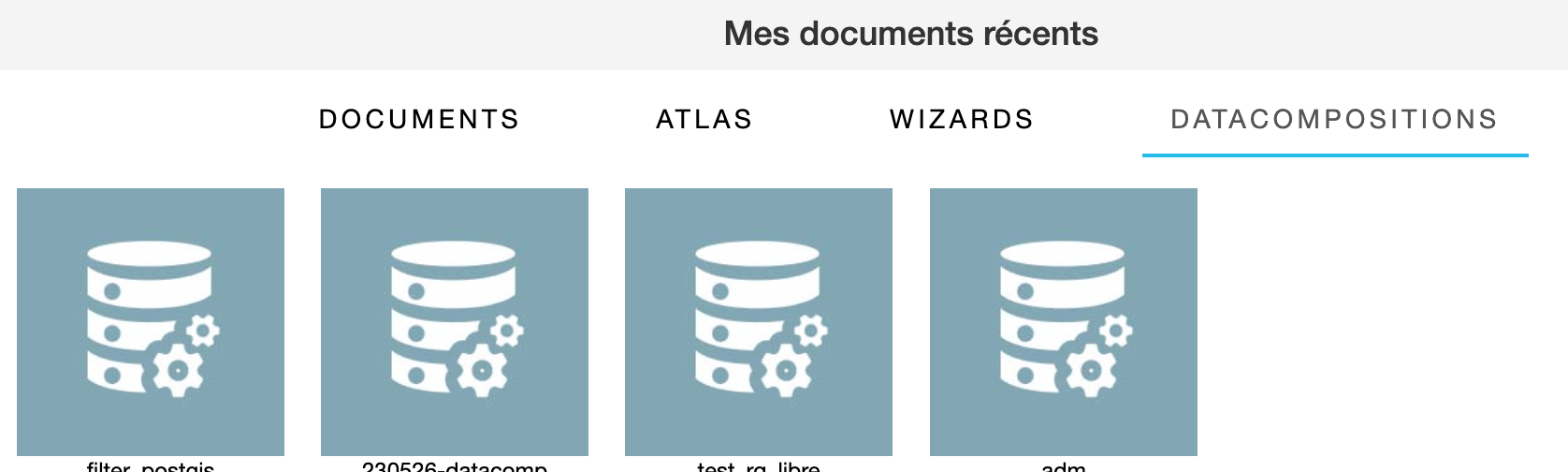
To save you precious time, recent DataCompositions can now be accessed from the home page of your file explorer.
[Analyst/Expert] DataComposer: handling spaces in column names
In order to avoid typing and copy/paste errors, spaces before and after column names as well as doubled spaces are automatically trimed after a data import, a column creation or an edition.
[Analyst/Expert] DataComposer: Geometry type detection mode in memberships
New evolution of DataComposer: the geometry type detection mode in the membership transformation is more efficient and reliable.
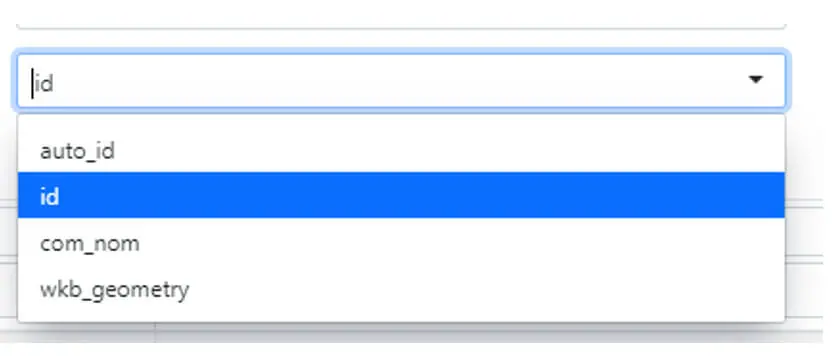
[Analyst/Expert] DataComposer: simplification of drop-down menus
In order to save you precious time, you can now filter the name you want to select in the drop-down menus of the forms.
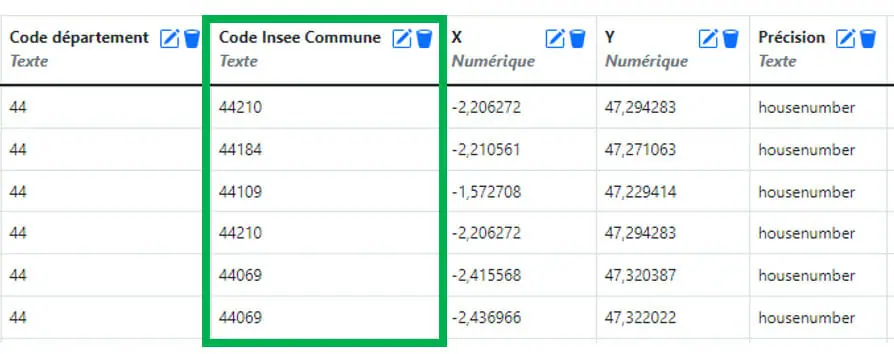
[Analyst/Expert] DataComposer: adding the INSEE commune code in geolocations
Following your feedback on DataComposer, we have added the INSEE code column for communes in the geolocations table.
[Analyst/Expert/Administrator] Groups
A user can no longer leave a group if he/she still has documents in it. A message is displayed to the user indicating the number of documents he/she has in the group so that he/she can transfer ownership to another user.
When an administrator deletes a user from a group, all the documents of this user are deactivated. They will be reactivated automatically if the same user re-enters the group.
Fixed issues
The 8.0.9717 version fixes the following issues:
Matrix columns: a bug prevented the matrix from working when the xls/xlsx file did not start on line 1.
Fill module: when it didn’t have a name, the fill in web view behaved differently to the page layout.
Symbols module: a problem with certain images disappearing from the map has been corrected.
DataComposer: you can now download the CSV of a dataspace whose name is a number (for example, a year).
DataComposer: a problem prevented the geolocation cache from being taken into account when the ‘address 2’ field was filled in the dedicated form.
ODBC driver: ODBC connection errors to PostgreSQL have been fixed.
To provide the best experiences, we use technologies like cookies to store and/or access device information. Consenting to these technologies will allow us to process data such as browsing behavior or unique IDs on this site. Not consenting or withdrawing consent, may adversely affect certain features and functions.
Functional Toujours activé
The technical storage or access is strictly necessary for the legitimate purpose of enabling the use of a specific service explicitly requested by the subscriber or user, or for the sole purpose of carrying out the transmission of a communication over an electronic communications network.
Preferences
The technical storage or access is necessary for the legitimate purpose of storing preferences that are not requested by the subscriber or user.
Statistics
The technical storage or access that is used exclusively for statistical purposes.The technical storage or access that is used exclusively for anonymous statistical purposes. Without a subpoena, voluntary compliance on the part of your Internet Service Provider, or additional records from a third party, information stored or retrieved for this purpose alone cannot usually be used to identify you.
Marketing
The technical storage or access is required to create user profiles to send advertising, or to track the user on a website or across several websites for similar marketing purposes.